Date: 11/9/2025
QR Codes
QR Codes in Practice: Efficiency vs. Cyber Threats
QR codes are convenient but also pose cybersecurity risks. Discover how criminals exploit QR codes and how you can protect yourself against phishing, malware, and payment fraud.
TL;DRQR codes are convenient, but criminals are increasingly using them for fraud. Always check the URL, avoid unknown QR codes, and use a secure QR scanner to protect yourself from phishing and malware. |
What is a QR Code?
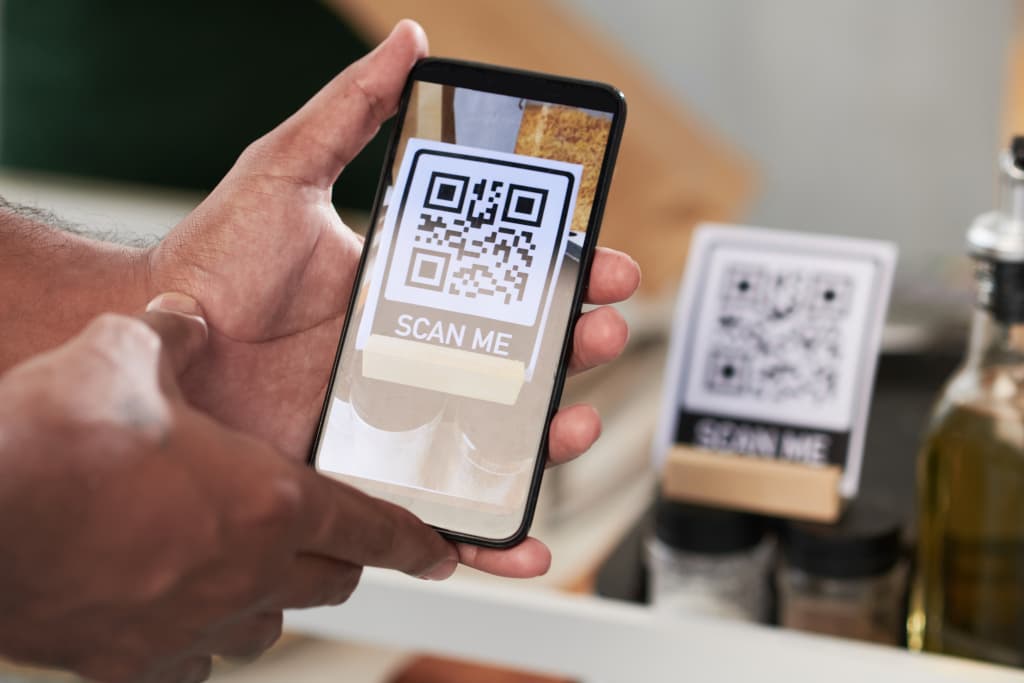
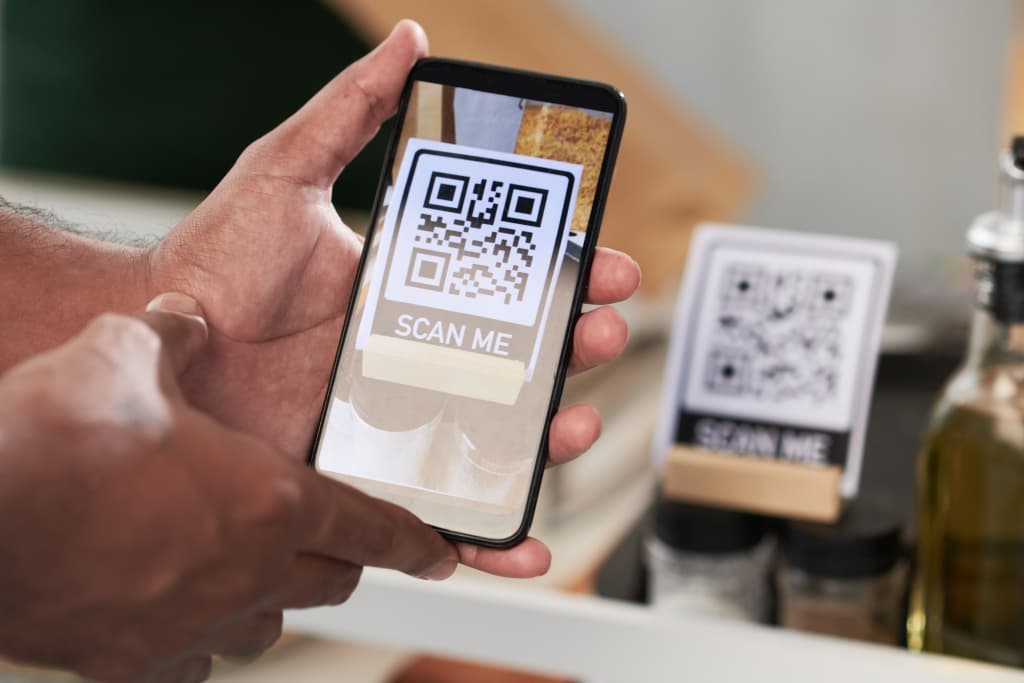
A QR code (Quick Response Code) is a type of barcode that you can scan with your smartphone to quickly access a website, payment page, or digital information. They are widely used in stores, restaurants, parking garages, and even on the street.
Advantages of QR Codes
- Fast and easy: Instant access to information without typing long URLs.
- Contactless and secure: Reduces the use of cash and paper receipts.
- Flexible and dynamic: QR codes can be updated without physical replacement.
- Efficient and eco-friendly: Saves paper and promotes digital interactions.
Cyber Threats and Security Risks of QR Codes
1. QR Code Phishing ("Quishing")
Cybercriminals replace legitimate QR codes with fraudulent ones that lead to phishing websites where login credentials or banking details are stolen.
| Example: A recent example is the plastic bag scam in Spain. Scammers left plastic bags with QR codes on the street. When curious passersby scanned the code, they were directed to a fake website that installed malware or stole personal information. |
How to Prevent This?
- Do not scan QR codes from unknown or suspicious sources.
- Always check the URL before clicking on anything.
- Use a secure QR scanner that detects suspicious links.
- Check if a sticker has been placed over an original QR code.
- Avoid QR codes with shortened links (such as bit.ly or is.gd). These are often used to hide fraudulent addresses.
2. Payment Fraud with QR Codes
Cybercriminals manipulate QR codes to transfer money to their own account instead of the intended recipient.
How to Prevent This?
- Verify that the payment URL matches the official website.
- Use only trusted payment apps such as your banking app or credit card app.
- Do not scan QR codes carelessly, especially if pressured to pay quickly.
- Check the URL in your browser after scanning.
- Prefer manually entering the web address rather than relying on a QR code.
Which QR Scanners Offer Extra Security?
- iOS (Apple): Trend Micro QR Scanner, Kaspersky QR Scanner.
- Android: Norton Snap QR Scanner, Malwarebytes Secure QR Scanner.
- Banking apps: Some banks, such as ING, ABN AMRO, and Rabobank, automatically verify QR payment codes.
Conclusion
QR codes are efficient and versatile, but cybercriminals are increasingly exploiting them. Use a secure QR scanner and stay alert for suspicious codes to protect yourself from phishing, malware, and financial fraud.
Want to discuss this topic?
At CyberBusters, we help businesses raise awareness about QR Code security risks. Contact us for a free consultation on the best AI solutions for your company.
Get in touch